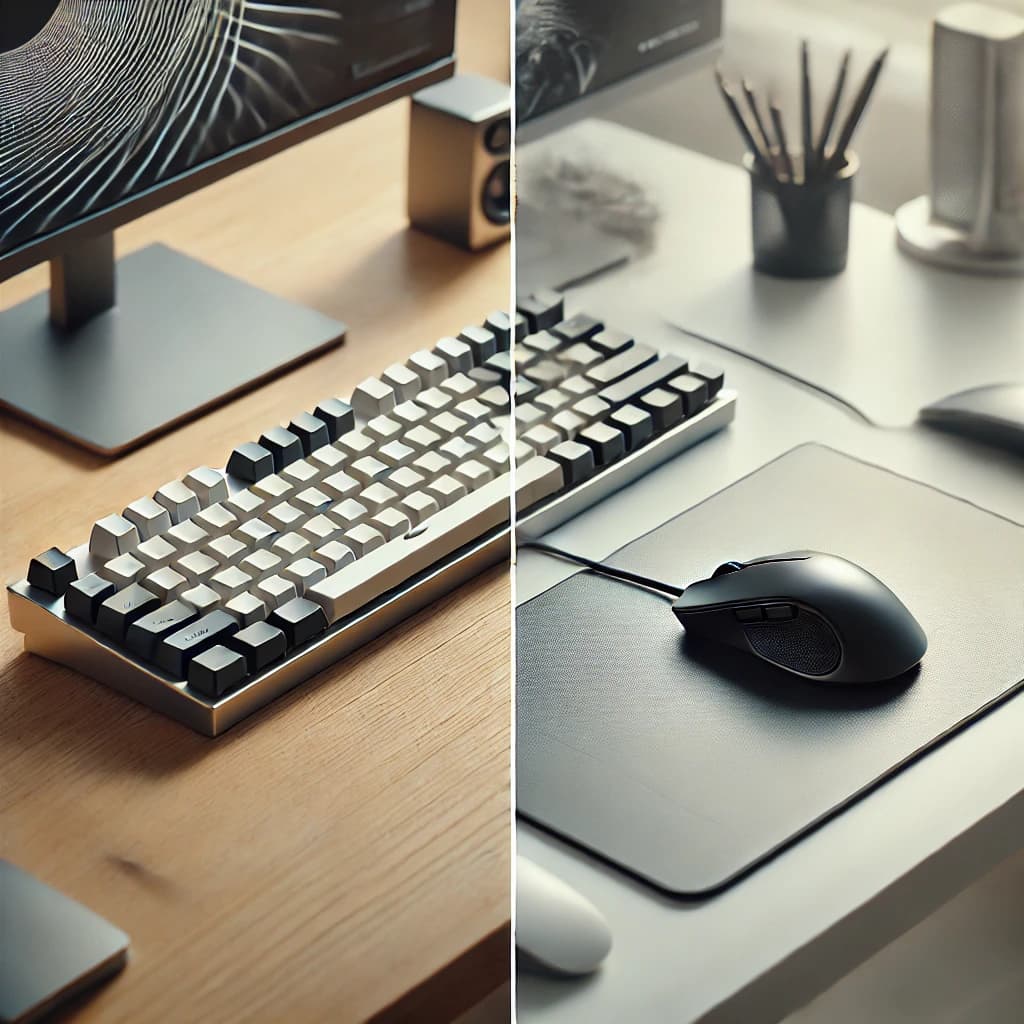
Keyboard Usage
- Prioritize keyboard use over the mouse/trackpad to boost productivity.
- Learn essential keyboard shortcuts first, as they are crucial.
- Utilize available shortcut key software for both macOS and Windows OS.
- Familiarize yourself with IDE-specific shortcuts for frequently used IDEs.
- Consider software to handle point-and-click tasks with the keyboard.
- Use the mouse/trackpad sparingly, only for tasks like text selection or precise pointing.
Suggested Tools
Mouse/Trackpad
- Best for navigation, selection, and executing commands via clicks.
- Essential for gaming and design due to the need for precise control.
- Some devices support gesture features, enhancing functionality.
Using macOS and Windows OS
- Freelancers often need to switch between macOS and Windows.
- Focus on learning OS-specific keyboard shortcuts (differences are mainly in Ctrl, Alt, Command/Windows keys).
- With practice, muscle memory will adapt to different OS environments.
- Use dedicated keyboards for each OS to ease the learning curve, especially for beginners.
Typing is more efficient than using a mouse or touchscreen for various actions!